Photo check guide
Is this photo AI?
You can usually answer 'is this photo AI?' in a few minutes: look at the small details, check the light, find out where the photo came from, and run it through a detector. None of these steps is proof on its own. Together they tell you whether a photo deserves trust or a closer look.
When it is worth checking
Most people ask this question about a specific photo, not about AI in general. Common moments: a photo in a group chat that seems too dramatic to be true, a dating profile picture that looks a little too perfect, a rental or product listing, a news photo shared without a source, or a picture you are about to repost under your own name. In each case the cost of being wrong is different, so match the effort to the stakes.
Five checks to tell if a photo is AI
- Zoom in on the parts AI still gets wrong. Hands and fingers, teeth, earrings, glasses, and the place where hair meets the background. Look for fingers that merge, jewellery that does not match from one side to the other, and edges that smear instead of ending cleanly. One odd detail is not proof, but two or three in the same photo are a strong hint.
- Read every piece of text. Street signs, shop names, labels, badges, and screens. AI photos often contain letters that look right at a glance but do not spell real words, or text that changes style halfway through. A real photo of a real street usually has text you can search for.
- Check the light and the background. Shadows should fall the same way for every person and object. Reflections in windows, sunglasses, and water should match the scene. In the background, watch for repeating faces, railings that bend, and buildings whose lines do not meet.
- Ask where the photo came from. Who posted it first, and when? A reverse image search can show older copies, the original uploader, or the same scene from another angle. If a person sent it to you, ask for the original file instead of a screenshot or a forwarded copy.
- Run the photo through a detector, then compare. A detector looks for statistical patterns people cannot see. Use the clearest version you have. If the detector and your own checks agree, you can be fairly confident. If they disagree, go back to the source before you decide.
Two real examples
These are fixed sample images we ran through the same detector the site uses. They show what each result looks like; they do not measure accuracy.
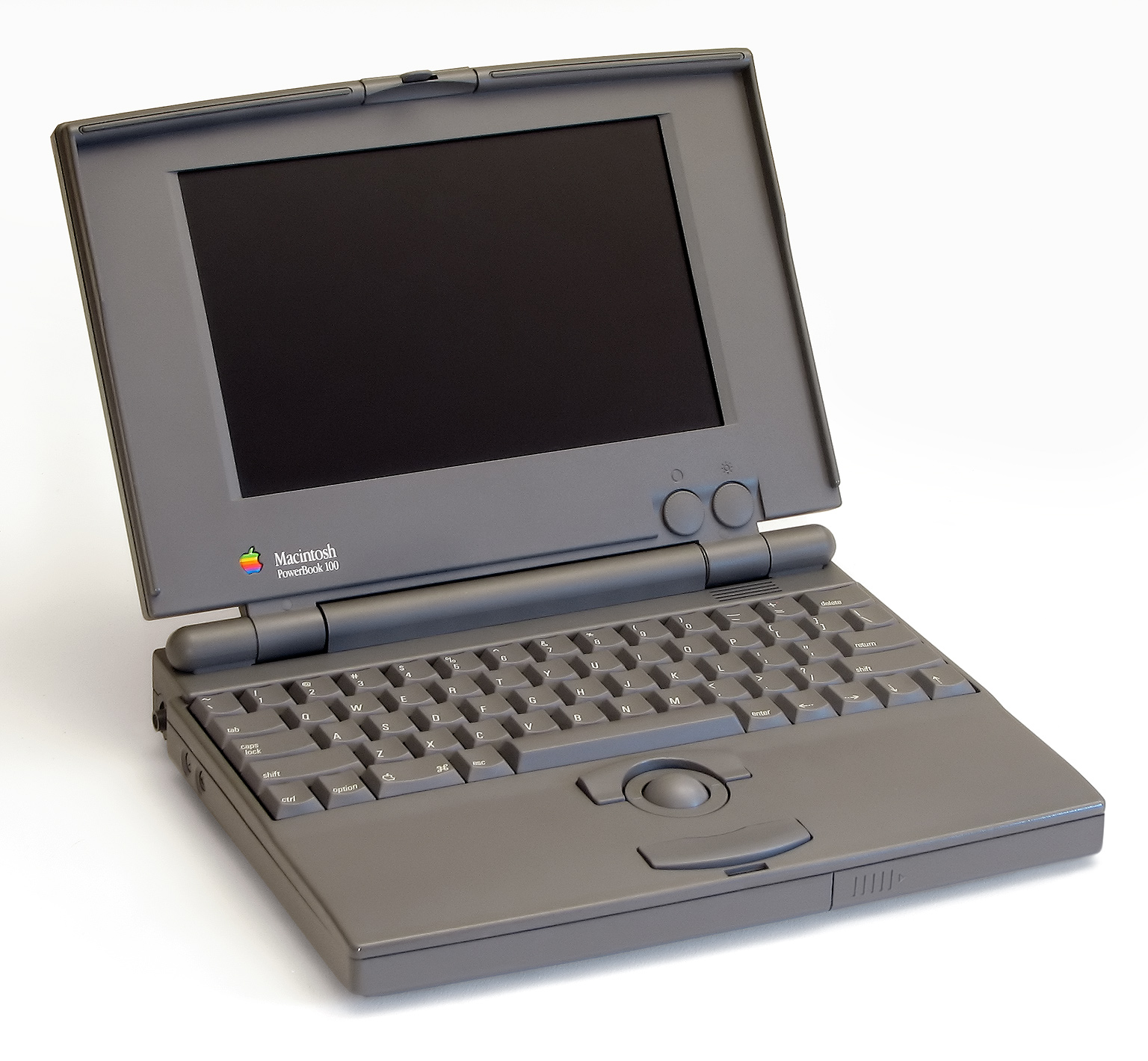
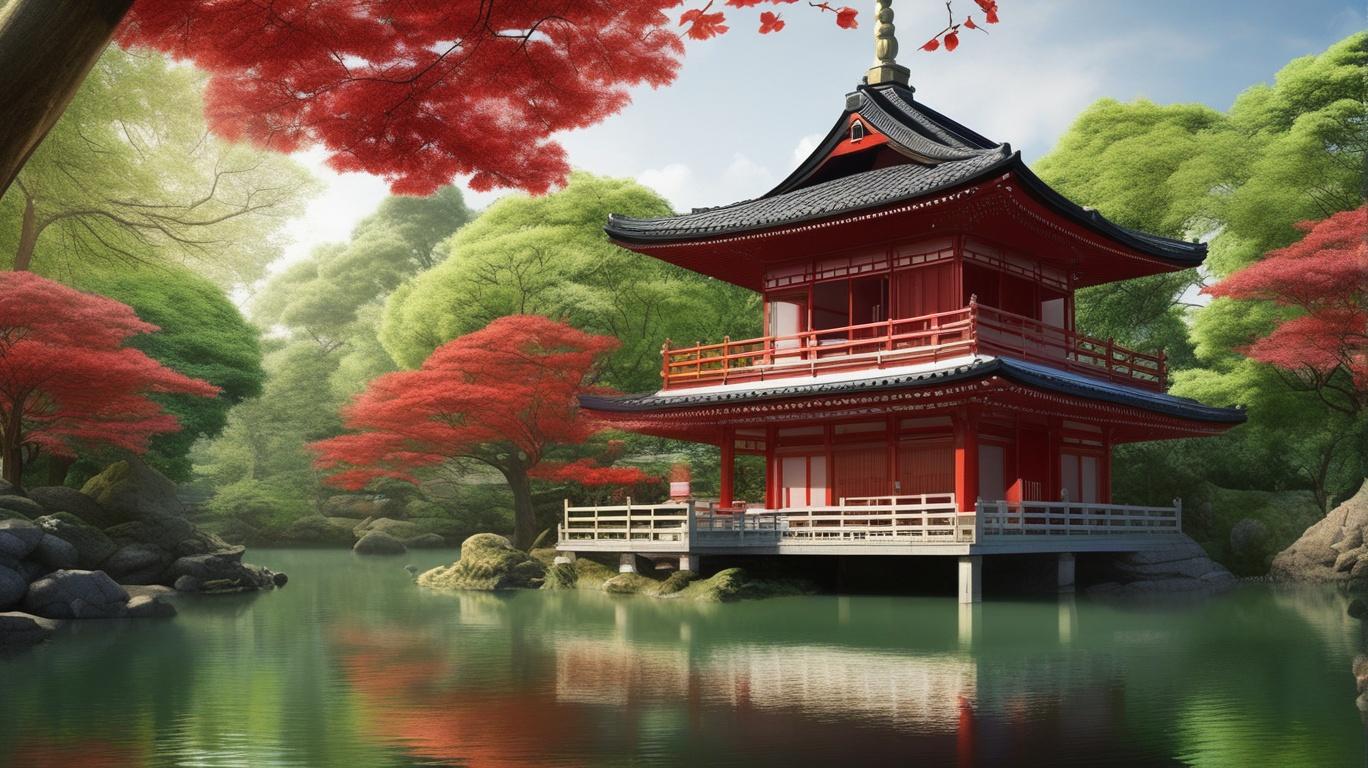
A third case is just as common: in the same test set, an AI landscape became inconclusive after it was resized and saved again as a JPEG. That is why the original file matters. Read the full sample results
What each result means
- Likely AI-generated. The model found strong signs of AI generation. Treat the photo with caution, and if your own checks found problems too, assume it is not a real photo until the source shows otherwise. When the signal is strong, the result may also name a possible generator, such as Midjourney.
- No clear AI signs. The model did not find strong signals. This is not the same as “verified real”: screenshots, heavy compression, and new generators can hide the patterns detectors look for.
- Unable to reliably determine. An honest outcome, not an error. Find the original file or the first place the photo was posted, then check again.
Mistakes that lead to the wrong answer
- Checking a screenshot of a screenshot. Every copy loses detail. Use the original, or the largest version you can find.
- Treating one odd detail as proof. Real cameras produce strange reflections and motion blur too. Look for a pattern, not a single glitch.
- Trusting missing camera data. Most apps strip file information when a photo is shared, so its absence says very little.
- Using a score as a verdict about a person. A detector result is a signal about an image, not proof that someone lied or that a photo is theirs.
Is this photo AI? Common questions
Is this photo AI if the detector says "no clear AI signs"?
Not necessarily. It means the model did not find strong signals. A photo can still be AI-generated, edited, or real but used out of context, so the source check still matters.
Can I check a photo someone sent me on WhatsApp or Instagram?
Yes. Save it and upload it, or paste the image link. Messaging and social apps compress photos, which removes some of the detail detectors use, so ask for the original if the answer matters.
Is this photo AI or just edited?
A photo can be fully generated, or a real photo changed with AI tools, for example a replaced sky or a removed object. Both can trigger an AI signal. If the people and the place are real but one part looks off, editing is the more likely explanation.
How many photos can I check for free?
Each visitor gets three free checks on CheckThatPhoto, with no sign-up. A $2.99 pack adds 20 more checks and lets you check up to 10 photos at once.
Check a photo now · Checking art or graphics instead? Read is this image AI · How the detector works